
Unicode to Krutidev Converter — Free Online Hindi Font Tool
Unicode to Krutidev Converter
Introduction
This Unicode to Krutidev converter solves that problem immediately. Paste your Unicode Hindi text, click Convert, and you get clean, correctly encoded Kruti Dev output in seconds — no software to install, no account to create, completely free.
Whether you’re a government typist preparing official documents, a DTP professional working on a print layout, or a student who typed in Mangal and needs Kruti Dev 010 for a typing test — this tool handles the conversion accurately every time.
What Is Unicode to Kruti Dev Conversion — and Why Does It Matter?
Most Hindi text today is typed in Unicode — using fonts like Mangal, Nirmala UI, or Arial Unicode MS. These are modern, standardized fonts that work perfectly on websites, in emails, and across digital documents. Unicode is the global text encoding standard, and Devanagari Unicode displays correctly on any modern device without requiring special fonts.
Kruti Dev is different. It’s a legacy ASCII-based Hindi font that maps characters to English keyboard positions rather than following Unicode encoding rules. It uses a proprietary character map that predates Unicode standardization. This is why Kruti Dev text looks like random English letters without the font installed — and why pasting Unicode text into older DTP software that expects Kruti Dev encoding produces garbled results.
Converting between the two isn’t as simple as changing a font name. Each Unicode character must be remapped to its corresponding Kruti Dev character position, and that mapping has to handle conjuncts (jod akshar), half-letters (ardha akshara), matras, and other Devanagari-specific combinations correctly. A poor converter will fail on these complex characters. This tool handles the full character map precisely — which is what separates it from the many unreliable converters available online.
How to Use This Unicode to Kruti Dev Converter
No technical background needed. The process takes under a minute regardless of how long your text is.
1 Paste Your Unicode Text into the Input Box
Copy any Hindi text written in Unicode — from a Word document, a website, a PDF, or any other source — and paste it into the input field at the top of this page. You can also type directly into the box. The tool supports all standard Devanagari Unicode characters used for Hindi, Marathi, and Sanskrit.
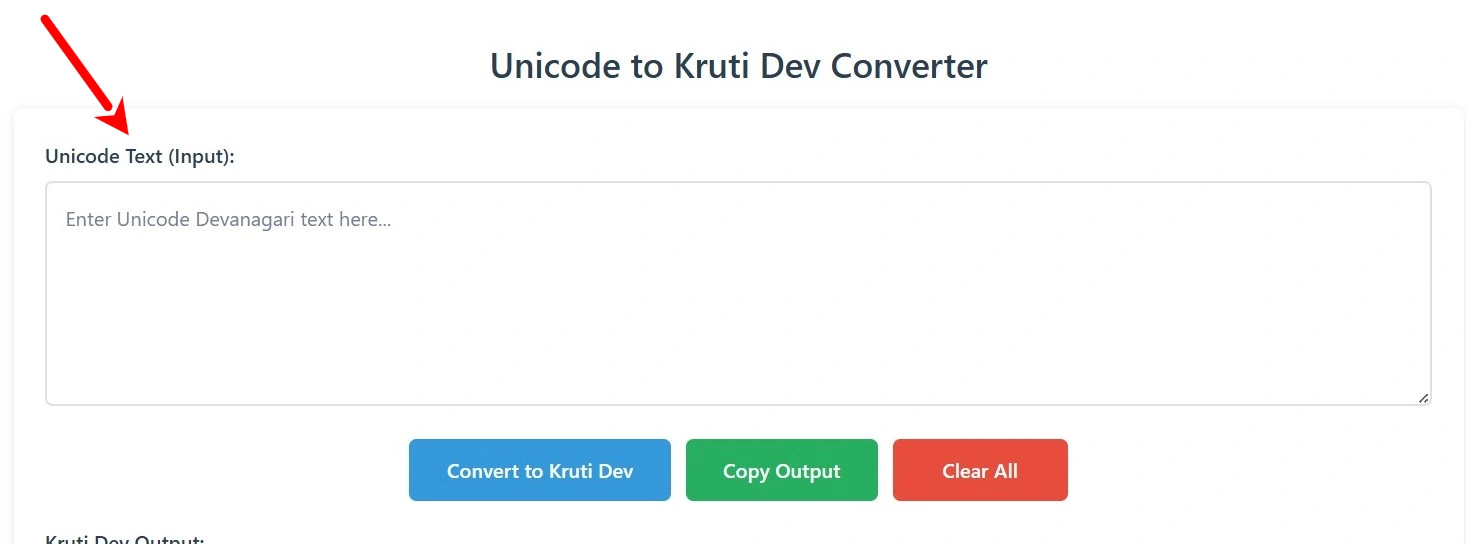
If your text has unwanted extra spaces or symbols that aren’t part of the Hindi content, clean those up before pasting for the cleanest possible output.
2 Click the “Convert to Kruti Dev” Button
Once your text is in the input box, press the Convert button. The tool processes the text immediately — there’s no uploading to any server and no waiting for a response. The entire conversion runs inside your own browser, which means your text never leaves your device.
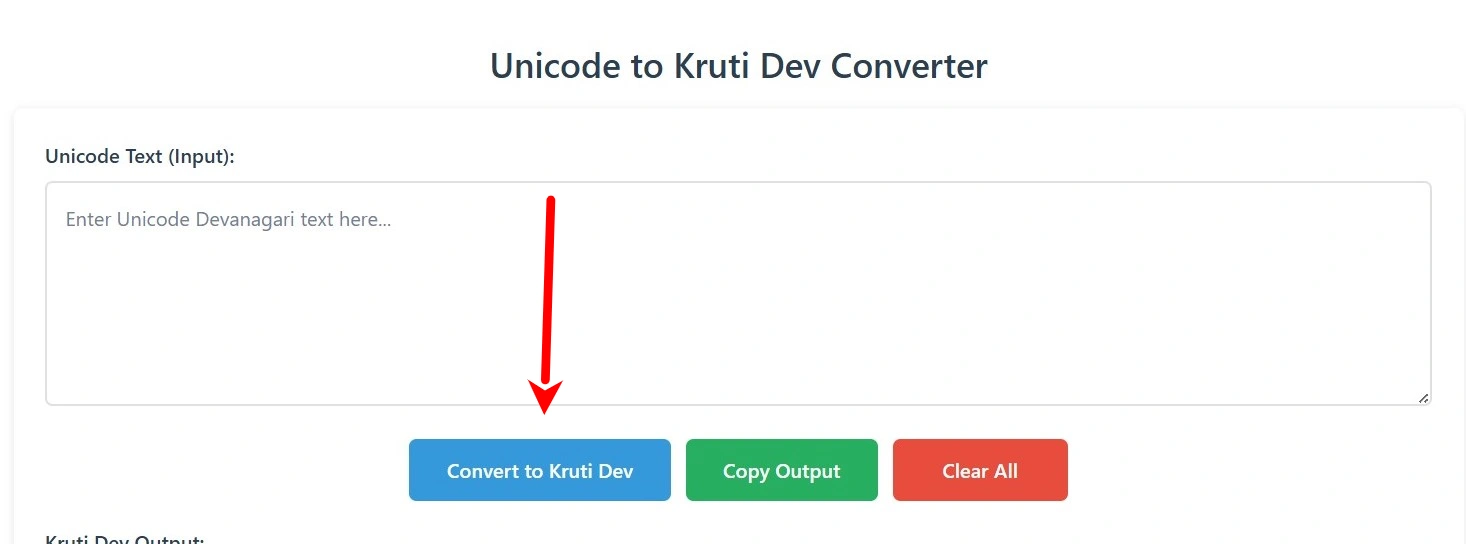
The output appears in the result box below within moments, correctly encoded in Kruti Dev format.
3 Copy the Output and Use It in Your Software
Click the Copy button to copy the converted Kruti Dev text to your clipboard. Paste it directly into PageMaker, CorelDRAW, MS Word, or any other software that supports Kruti Dev fonts. After pasting, select the text and change the font to Kruti Dev 010 — or whichever variant your project requires (010, 011, 016, 055, etc.). The Hindi text will render correctly and your layout will stay intact.
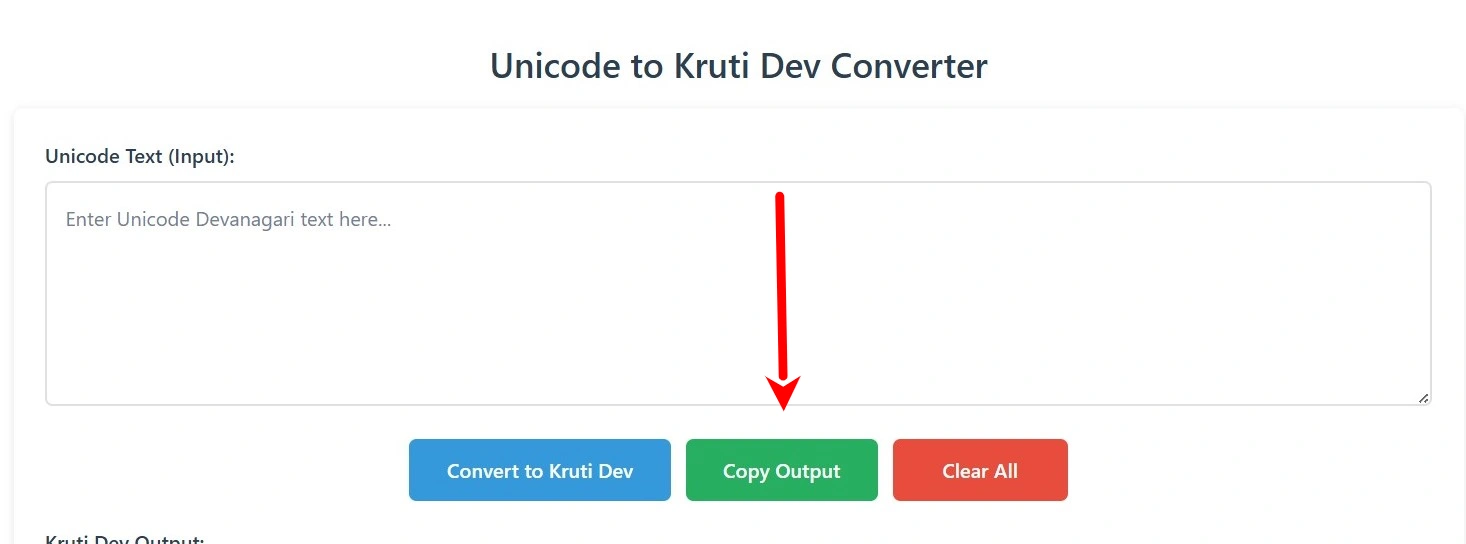
Use the Clear button to reset both boxes when you’re ready to convert a new piece of text.
Why Kruti Dev Still Dominates in Government and Print Work
Kruti Dev never went away. Unicode became the internet standard, but in printing presses, government departments, and competitive typing examinations across India, Kruti Dev 010 remains the required format. Here’s why this conversion tool still sees heavy daily use.
Government Offices and Official Documentation
Typing infrastructure in many central and state government offices was built in the late 1990s and early 2000s, when Kruti Dev was the dominant Hindi font. Official templates, Rajbhasha forms, and departmental correspondence still circulate in Kruti Dev. Rajbhasha typists working under the Official Language Policy regularly convert Unicode documents to Kruti Dev for compatibility with these legacy systems.
Competitive Typing Examinations
SSC (Staff Selection Commission), state PSC exams, and most government typing tests specify Kruti Dev as the required font. Candidates who practise in Unicode Mangal need to convert their material to Kruti Dev before printing practice sheets or submitting typed matter in the correct format.
Print and DTP Workflows
PageMaker remains active at hundreds of local printing presses across smaller cities in India. These presses have established workflows, trained operators, and existing templates — all built around Kruti Dev. Designers and editors who receive Unicode content from writers need to convert it before files go to press. Switching a whole DTP operation to Unicode-based software is not a small decision.
Newspaper and Publishing Houses
Regional Hindi newspapers that haven’t fully moved to Unicode-based publishing systems still rely on Kruti Dev at the composition stage. Even those that have partially migrated often need to convert incoming Unicode copy to Kruti Dev for legacy page layout compatibility.
This is a real, everyday professional need — not nostalgia. The people using this tool are working typists, government employees, exam candidates, and print professionals for whom Kruti Dev compatibility is a daily requirement.
Which Kruti Dev Versions Does This Tool Support?
The Kruti Dev font family includes dozens of numbered variants — 010, 011, 016, 020, 055, 060, and more — each designed for specific use cases such as bold display, headlines, or decorative layouts. The overwhelming majority of professional and government use involves Kruti Dev 010, which is the standard font used in Hindi typing tests, government documentation, PageMaker layouts, and most DTP work across India.
This converter outputs text encoded for Kruti Dev 010. Once you paste the converted output into your software and apply any Kruti Dev font from the family (010 through higher variants with compatible encoding), the text renders correctly. For Kruti Dev 016 or other variants, simply apply the appropriate font name after pasting — the character encoding from this converter is compatible across the core Kruti Dev range.
Unicode to Kruti Dev vs. Other Conversion Methods
Not every method of converting Unicode to Kruti Dev gives the same quality of output. Here’s how the common approaches compare based on real working experience.
| Method | Setup Required | Accuracy | Privacy | Best For |
|---|---|---|---|---|
| Manual Retyping | None | Error-prone | Complete | Avoid entirely |
| MS Word / Excel Macros | Technical setup | Breaks on conjuncts | Local | Controlled environments |
| Desktop Software | Installation needed | Varies | Local | Offline workflows |
| This Online Converter ✅ | Zero | Full conjunct support | Browser-only | Everyday use — any device |
Manual Retyping ❌
Retyping an entire document in Kruti Dev defeats the purpose of having already typed it in Unicode. For anything beyond a few words, this is impractical and introduces significant risk of error.
MS Word Macros and Excel-Based Converters ⚠️
These exist and some professionals rely on them. The Excel method involves custom VBA scripts or find-and-replace tables. They can work in controlled environments, but require technical setup, become a maintenance burden, and break unpredictably on complex conjuncts. Not suitable for frequent use.
Downloadable Desktop Software ⚠️
Some legacy converters distributed on government or typing institute websites can work well, but require installation, may not run on modern operating systems, and often go without updates or support. Not practical for most users today.
Online Converters — Including This One ✅
Online converters are the most practical option for daily use. Zero setup, browser-based processing (your text stays on your device), and immediate results. The quality difference between online converters comes down to the accuracy of the character mapping table — particularly for half-consonants, conjuncts, and vowel matras in complex Hindi words. This tool handles those correctly.
Frequently Asked Questions
A Note on Rajbhasha Work and Official Hindi Typing
Rajbhasha departments, Hindi translation cells, and typists working under government ministries deal with this Unicode-to-Kruti-Dev requirement on a regular basis. Much of the official documentation software, typing test platforms, and form submission systems in Rajbhasha work are built around Kruti Dev 010.
When translators or Hindi officers draft content in Mangal or other Unicode fonts — which is increasingly common since Unicode is the modern standard — the output often needs to be converted to Kruti Dev for submission, printing, or integration with legacy departmental systems.
If you’re searching for “Unicode to Kruti Dev Rajbhasha” specifically, this is precisely the use case this converter was built to serve. The conversion is accurate, the process is quick, and your document never leaves your device.
Kruti Dev and Unicode — Understanding the Difference
For those newer to Hindi typography who want to understand what they’re actually converting between — here’s a clear explanation without unnecessary jargon.
🌐 Unicode
Unicode is a universal text encoding standard that assigns a unique code point to every character in every language in the world. For Devanagari, Unicode defines specific code points for each vowel, consonant, matra, and combining character. When you type in Mangal font, you’re working with Unicode Devanagari — the same characters that display correctly on any modern device, in any browser, in any operating system, without needing a special font installed.
🖋️ Kruti Dev
Kruti Dev is a font-based encoding system, not a true Unicode font. It works by assigning Devanagari characters to positions in the standard ASCII character set. So the letter ‘क’ might be stored at the ASCII position of ‘D’. When the Kruti Dev font is installed and applied, ‘D’ renders visually as ‘क’. Without the font, you see ‘D’. This is why Kruti Dev text looks like English gibberish when the font isn’t installed — and why pasting Unicode text into a Kruti Dev document produces broken output without conversion.
The conversion process translates each Unicode Devanagari code point into its equivalent ASCII position in the Kruti Dev character map. For simple consonants and vowels, this is straightforward. For conjuncts and half-letters — which are extremely common in Hindi — the mapping requires careful handling of character sequences and their combinations. That’s the technical work happening behind the scenes every time you click Convert.