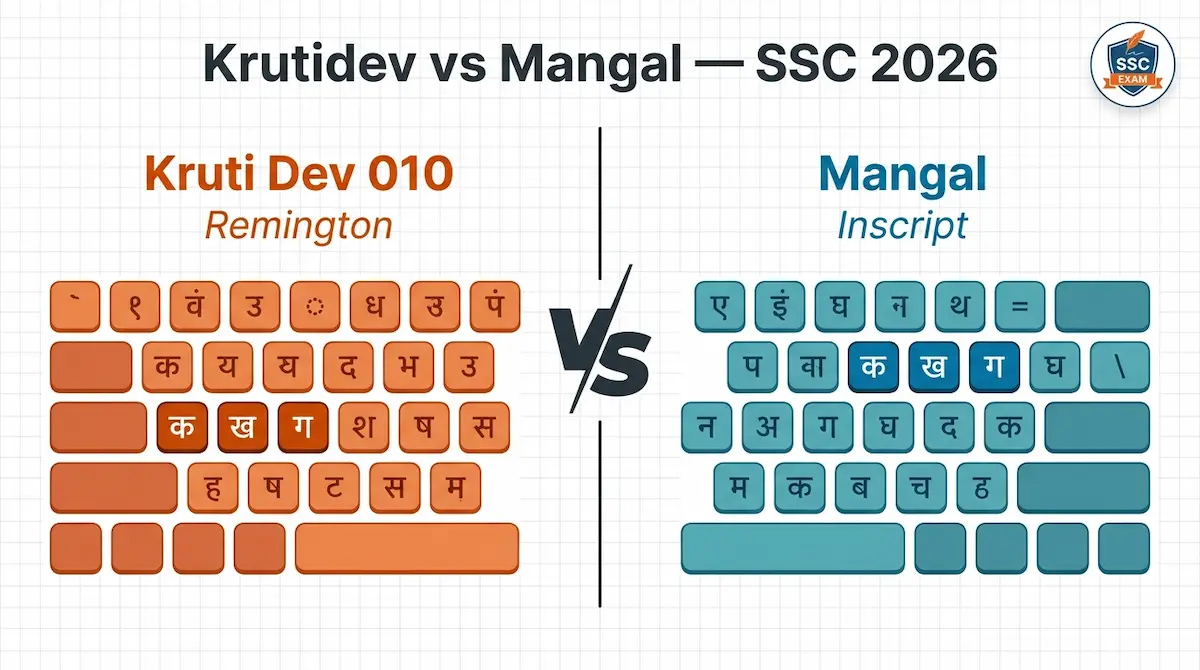
For SSC CHSL, CGL and most 2026 Hindi typing tests, both Kruti Dev 010 (Remington Gail layout) and Mangal (Inscript layout) are accepted. Neither is “better” — the right choice depends on which keyboard layout your fingers already know, not on the font itself. If you are starting from zero in 2026, Mangal Inscript is the smarter long-term bet. If you have already trained on Remington, stay on Kruti Dev 010.
That is the answer. The rest of this article explains why, what changed in the 2026 cycle, and how to pick without second-guessing yourself two weeks before the exam.
What SSC allows in 2026
SSC’s recent CHSL and CGL notifications list two valid font-and-layout combinations for the Hindi typing test:
- Kruti Dev 010 — paired with the Remington Gail keyboard layout
- Mangal — paired with the Inscript keyboard layout
The 2026 cycle introduced one practical change: candidates can confirm or switch their font choice during the short demo window at the test centre, rather than being locked in at application stage. Treat your admit card as the authoritative source — whatever it specifies is final for your slot.
Speed benchmark stays the same: 30 WPM in Hindi, measured as Net WPM. The English threshold remains 35 WPM. Combined error tolerance is roughly 7% — half-mistakes (wrong matra, extra space, missed chandrabindu) count as 0.5, full mistakes as 1.
The real difference: it is the keyboard, not the font
Most candidates compare Kruti Dev and Mangal as if they were two fonts. They are not. They are two completely different keyboard layouts that happen to use different encoding systems.
Kruti Dev 010 — Remington Gail layout
Kruti Dev is a non-Unicode, ASCII-based legacy font. The Remington Gail layout descends from the mechanical Hindi typewriters used in government offices through the 1980s and 1990s. Keys are positioned by Hindi letter frequency, and the layout feels phonetic to anyone trained at a traditional Hindi typing institute.
Mangal — Inscript layout
Mangal is a Unicode Devanagari font, bundled with Windows since the early 2000s. It pairs with Inscript, the layout standardised by the Government of India for all Indian scripts. Vowels sit on the left, consonants on the right, matras get dedicated keys. Learn Inscript once and the same logic transfers to Marathi, Sanskrit, Gujarati and other Devanagari scripts.
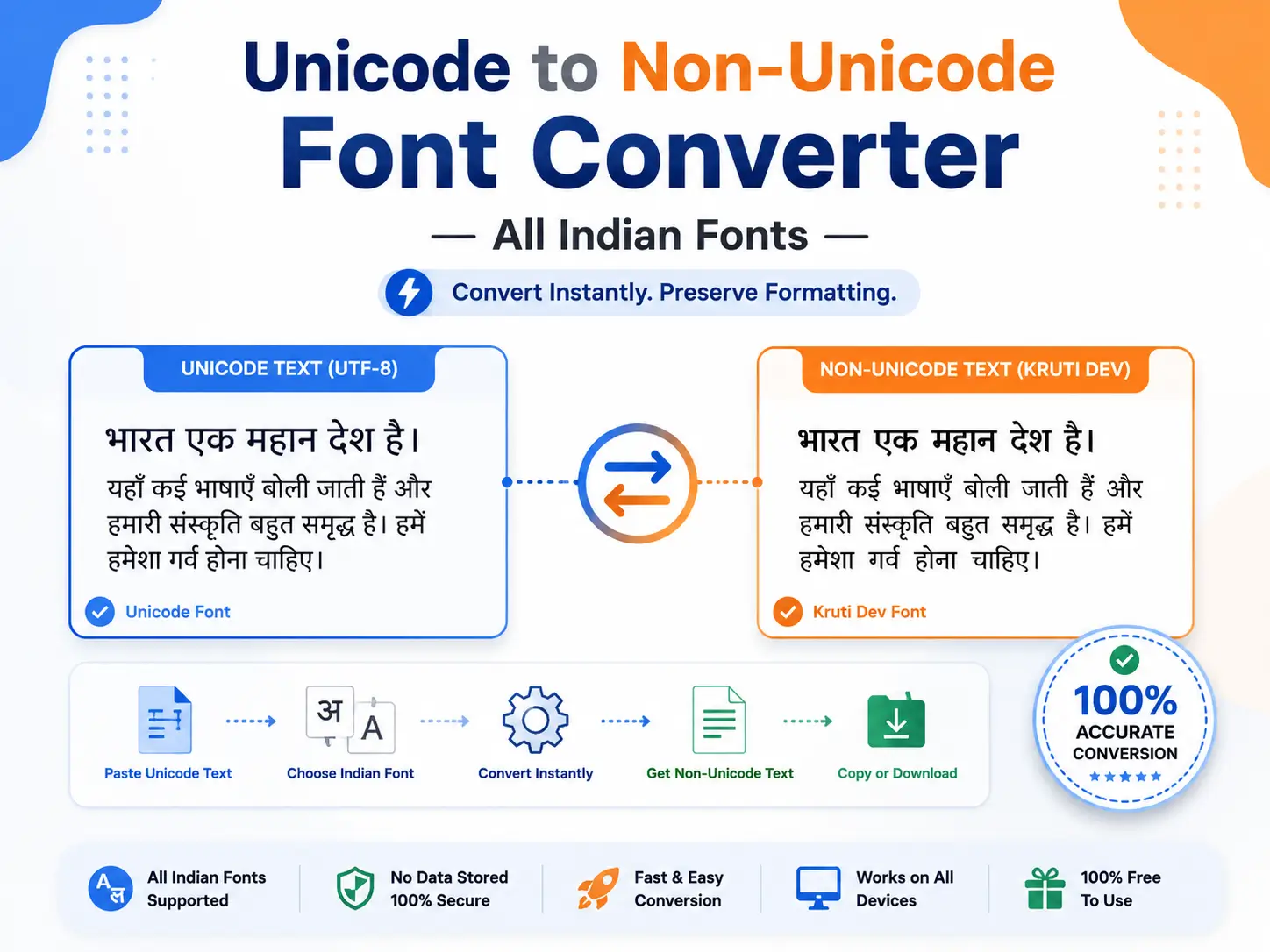
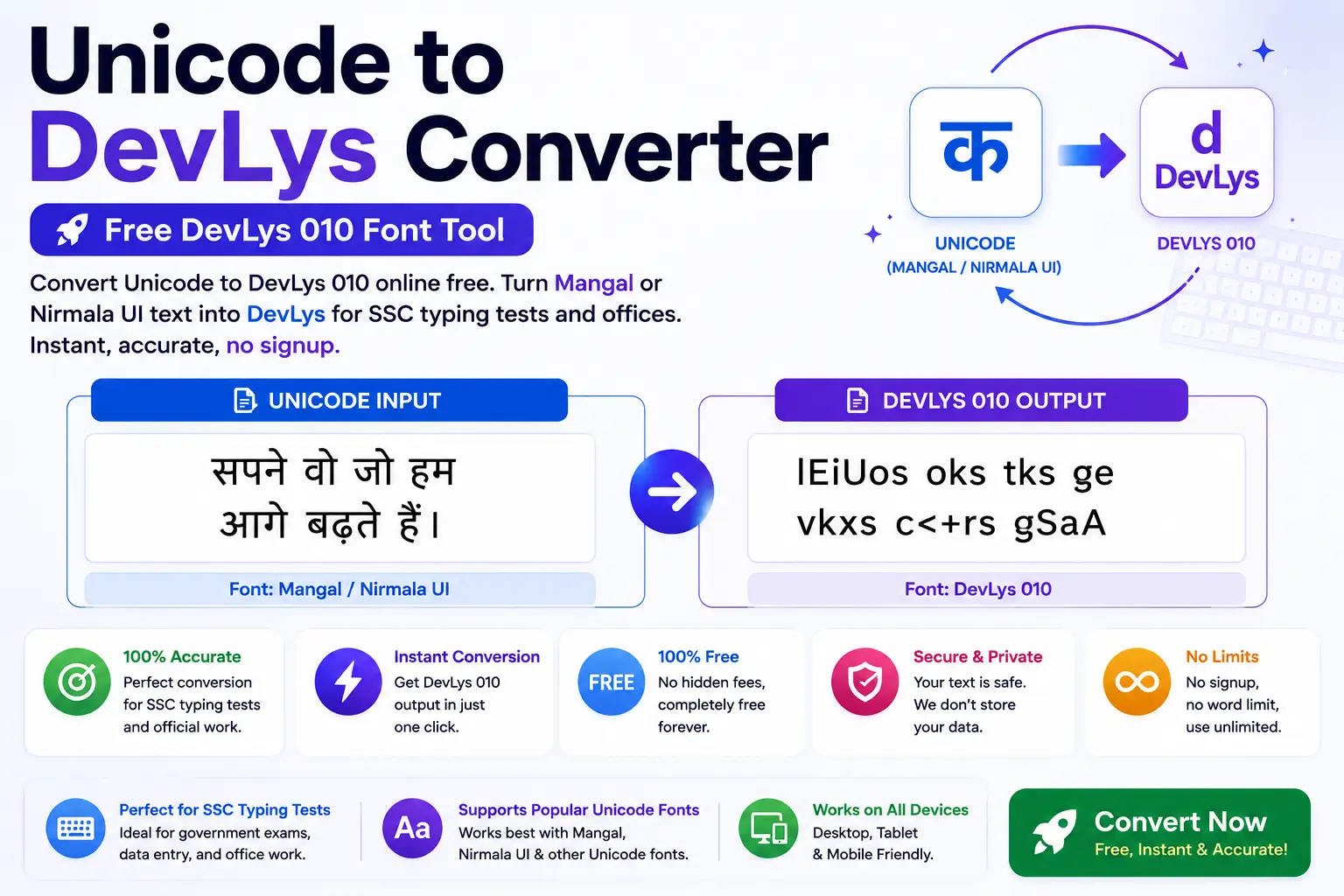
If you are converting documents between the two, you can convert Unicode text to Kruti Dev or convert Kruti Dev back to Unicode using the free tools on this site.
Quick comparison
| Factor | Kruti Dev 010 | Mangal |
|---|---|---|
| Keyboard layout | Remington Gail | Inscript |
| Encoding | ASCII-based (legacy) | Unicode |
| Government standard | Older offices, print, PageMaker | Current Unicode standard |
| Learning curve | Phonetic, easier if you trained at a traditional institute | Logical, easier if you are starting fresh |
| Used outside SSC | DTP, regional newspapers, Rajbhasha legacy systems | Government websites, emails, modern software |
| Transferability | Hindi only | All Indian languages |
Who should pick which — straight answer
Choose Kruti Dev 010 if:
- You already learned typing on Remington Gail at a coaching institute and have months of muscle memory built up
- Your prior practice material, mock tests and certificates are all Remington-based
- You are sitting the exam in a few weeks — switching layouts this close to the date will cost you more speed than the switch is worth
Choose Mangal (Inscript) if:
- You are starting Hindi typing practice fresh in 2026 with 3+ months of runway
- You plan to sit multiple government exams (High Court, CPCT, RSMSSB, state PSCs — many of these have moved fully to Unicode/Mangal)
- You want skills that transfer to actual office work, since most government offices now produce Unicode documents
- You also work in Marathi or other Devanagari languages
The one combination that fails consistently is candidates who switch layouts in the last 30 days before the exam. Pick early, then commit.
What 2026 candidates get wrong
Three mistakes that sink strong candidates:
- Practising with backspace enabled. Several SSC posts disable backspace at the centre. If your daily practice allows corrections, your rhythm breaks the first time you typo. Train with backspace off — confirm the rule for your post in your notification.
- Chasing gross WPM instead of Net WPM. Hitting 40 WPM means nothing if your error rate is 6%. Net WPM is what SSC counts. Aim for Net 32 WPM in practice so exam nerves still leave you above 30.
- Ignoring half-mistakes. Wrong matra, missing chandrabindu, extra space between conjuncts — each counts as 0.5. These pile up fast for candidates trained mostly in English typing.