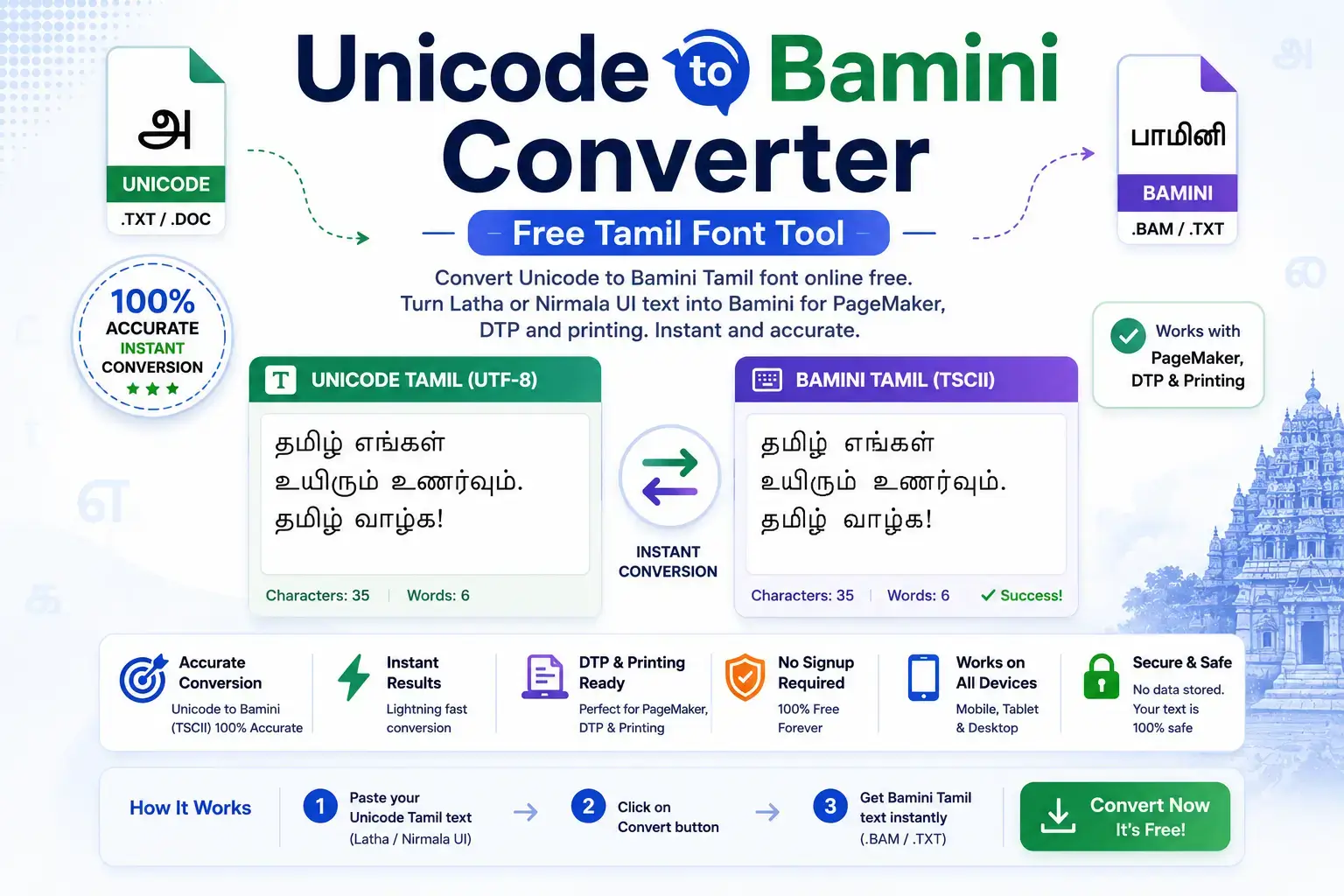
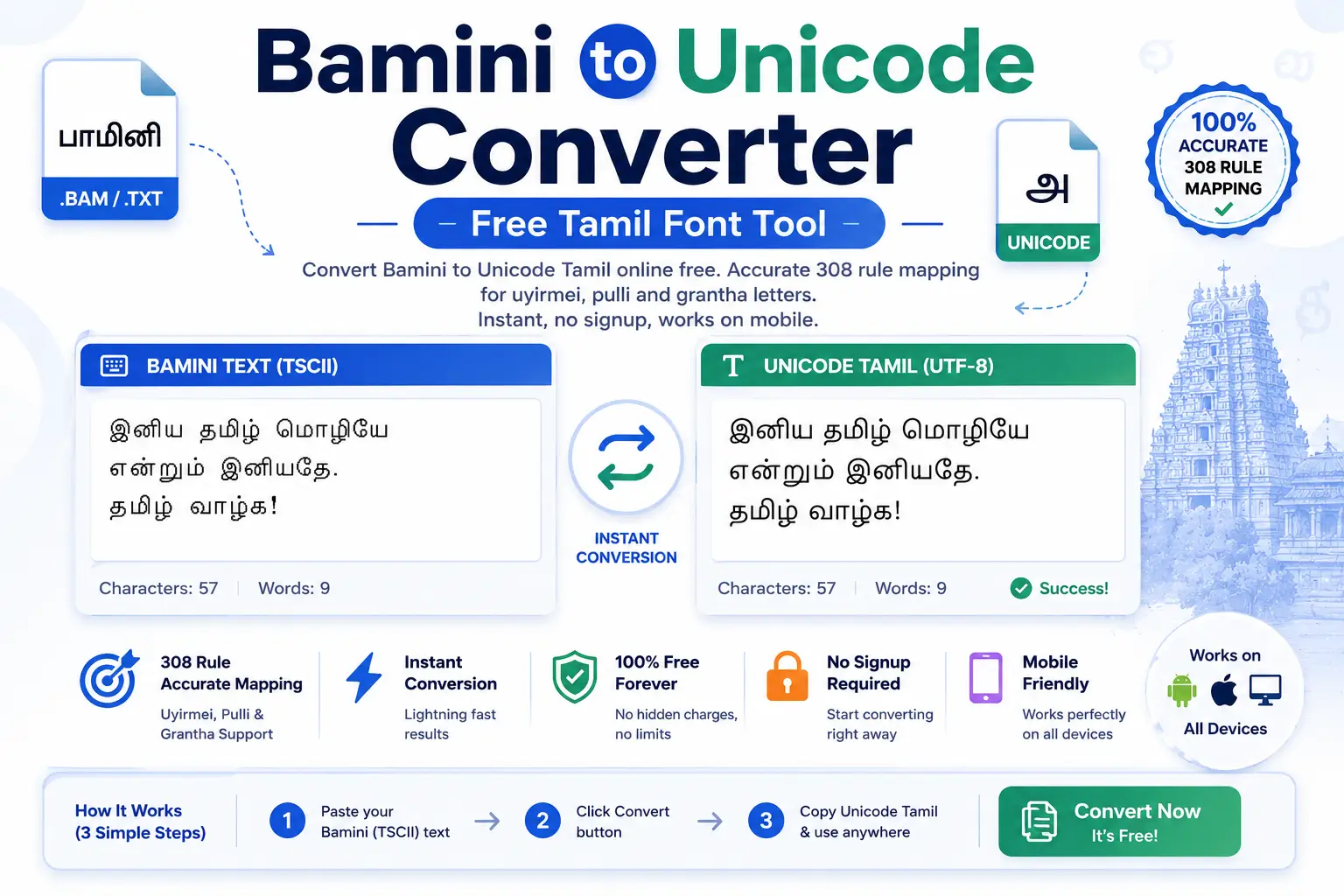
A Unicode to non-Unicode font converter changes standard Unicode text into legacy Indian font encodings like Kruti Dev, DevLys, Chanakya, Shree Lipi, Bamini, Anu, and Nudi, and back again. Unicode works everywhere, while non-Unicode fonts are still required in state typing exams, DTP software, and older office systems. This page explains both systems in simple words and links every free converter available on this site.
Live Font Converters on This Site
These tools are built, tested, and free. Each one runs in your browser, so nothing you paste is uploaded anywhere.
Unicode to Krutidev Converter
Convert Mangal, Nirmala UI, or Google Input text into Kruti Dev 010, 10 and 055 with correct reph and matra handling.
Krutidev to Unicode Converter
Bring old Kruti Dev files into Unicode so they work in email, WhatsApp, and modern e-office systems.
Krutidev to Mangal Converter
Turn legacy Kruti Dev documents into Mangal font text for central government Unicode requirements.
Mangal to Krutidev Converter
Convert Mangal typed text directly into Kruti Dev for state exams and DTP layouts.
What Is a Non-Unicode Font?
Before Unicode became universal, Indian language typing worked through a clever trick. Font makers took the 256 slots of the old ASCII system and drew Indian letters on top of English key positions. Type the letter d with Kruti Dev active and you see the Hindi letter ka.
The problem is that the computer still stores the letter d. Remove the font and the trick collapses, which is why old Hindi files open as English gibberish on phones. Unicode fixed this by giving every character of every script its own permanent code, so the text itself carries the meaning instead of the font.
Non-Unicode fonts survive because millions of typists trained on them, state typing exams still test on them, and DTP tools like PageMaker handle them more reliably than Unicode.
Major Non-Unicode Fonts by Indian Language
Every region built its own legacy fonts. This table covers the ones people convert most often, and which converters are live here.
| Legacy Font | Language | Main Use | Converter Status |
|---|---|---|---|
| Kruti Dev 010 / 10 / 055 | Hindi | State typing exams, government offices in MP, UP, Rajasthan, CG | Live |
| DevLys 010 | Hindi | Remington typing, court and office documents | Coming soon |
| Chanakya / Walkman Chanakya | Hindi | Newspaper and magazine DTP | Coming soon |
| Shree Lipi / Shree Dev | Marathi, Hindi | Professional DTP and printing presses | Coming soon |
| AMS fonts | Marathi | Calligraphy and wedding card design | Coming soon |
| Bamini | Tamil | Tamil DTP and older office files | Coming soon |
| Anu Script (Anu 7) | Telugu | Telugu DTP, film titling, printing | Coming soon |
| Nudi | Kannada | Karnataka government typing | Coming soon |
| 4C Gandhi | Gujarati | Gujarati DTP and print media | Coming soon |
| Bijoy | Bangla | Bangladesh publishing standard | Coming soon |
| Preeti | Nepali | Nepali DTP and office typing | Coming soon |
Each new converter goes live only after its mapping table is tested word by word, because a font converter that outputs wrong matras is worse than no converter at all.
How Unicode to Non-Unicode Conversion Actually Works
A converter reads each Unicode character and replaces it with the key sequence the legacy font expects. Simple letters map one to one. The hard parts are matras that change position, half letters, and marks like the reph, which sits in different places in the two systems.
Good converters process the longest sequences first, then fix character order at the end. Cheap converters skip the reordering step, which is why their output shows the small ee matra on the wrong letter. The Krutidev converter on this site handles all three problem areas, and every future converter will follow the same standard.
Frequently Asked Questions
Team Unicode to Krutidev builds and maintains the Hindi typography tools on this site, including this converter. He works with Devanagari font encodings, Remington keyboard layouts, and legacy to Unicode migration for typists and DTP professionals across India.